How the scam works
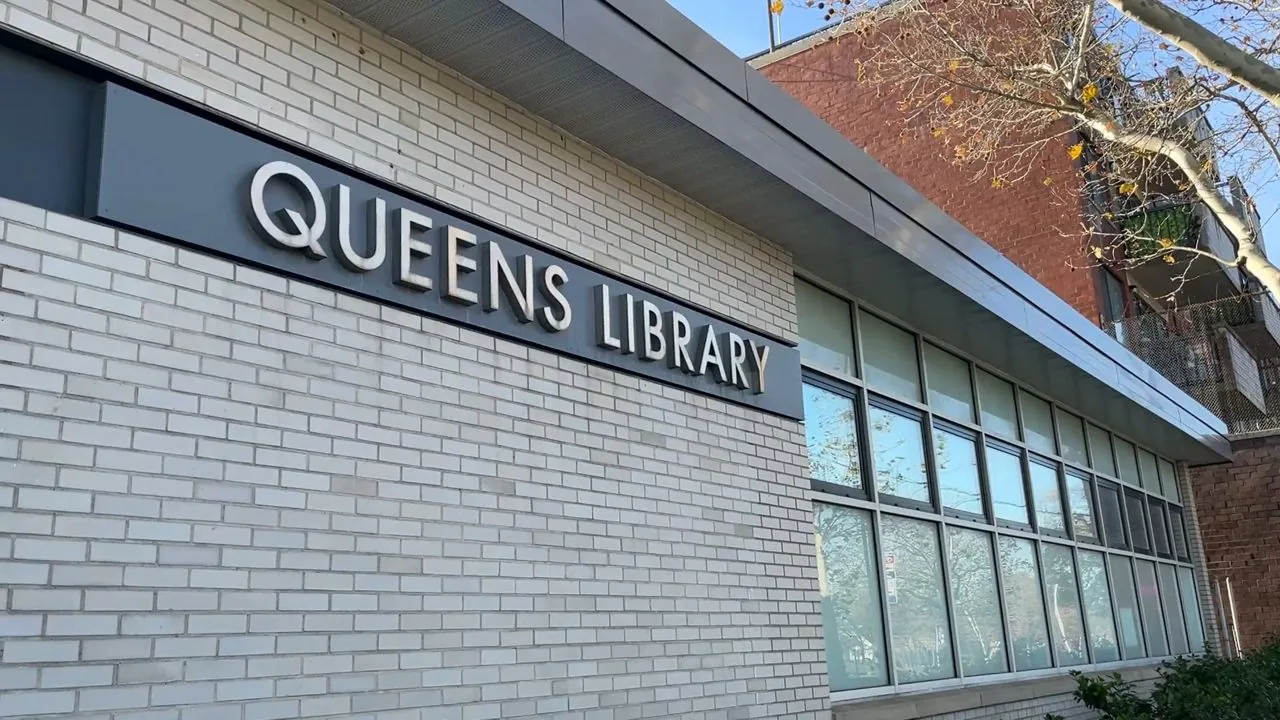
QUEENS, NY — This is a cybersecurity warning that matters to library users and, more broadly, to anyone who relies on public systems for daily access. Queens Public Library says a ransomware attack earlier this month forced its website and mobile app offline and shut down public computers at most of its 66 branches.
Ransomware is a type of digital extortion. Criminals try to lock up files or systems and then pressure an organization to regain access, often by demanding money. When that happens, customers and members may suddenly lose online tools, sign-in access, or in-branch services that depend on the network.
In Queens, the disruption lasted nearly three weeks, though branches stayed open with limited service. The library announced Monday that most systems were back online, marking a major recovery after the attack.
The warning signs
- Websites or apps that suddenly stop working, especially when login pages, account tools, or public-facing services are unavailable.
- Public computers or shared terminals that cannot connect to the network or open normal library services.
- Unexpected messages asking an organization to pay money, reset access, or wait for systems to be restored.
- Service disruptions that affect many locations at once, rather than a single broken device.
- Staff who can still help in person, but must offer limited or manual service because online systems are down.
- Announcements that an organization is recovering from a cyber incident and restoring systems in stages.
If you've already paid or shared information
- Contact your bank or card issuer right away if you entered payment information on a suspicious site or app.
- Change passwords for any account that may have been exposed, especially if you reused the same password elsewhere.
- Turn on two-factor authentication wherever it is available to add another layer of protection.
- Watch account statements and credit reports closely for unfamiliar charges or new accounts you did not open.
- Consider placing a fraud alert or credit freeze with the major credit bureaus if personal information may have been compromised.
- Report suspicious activity to the FTC at ReportFraud.ftc.gov and keep notes about what happened, when it happened, and what information you shared.
How to protect yourself
- Use official websites and bookmarked links instead of clicking on unfamiliar messages, texts, or search ads.
- Check for spelling differences, odd web addresses, or login pages that do not look quite right before entering personal information.
- Keep software, browsers, and mobile apps updated so security fixes are installed promptly.
- Use unique passwords for important accounts so one breach does not open the door to others.
- Be cautious with public Wi-Fi and avoid logging into sensitive accounts unless you are sure the connection is secure.
- When an organization announces a cyberattack, wait for verified updates before assuming service has been fully restored.
The bottom line
Queens Public Library says most of its systems are back after a ransomware attack interrupted online access and disabled many public computers across the branch network. The episode is a reminder that even trusted community services can be disrupted by cybercrime.
For readers, the safest approach is steady and simple: use official channels, protect your passwords, and respond quickly if you see signs that an account or payment method may have been exposed.