How the scam works
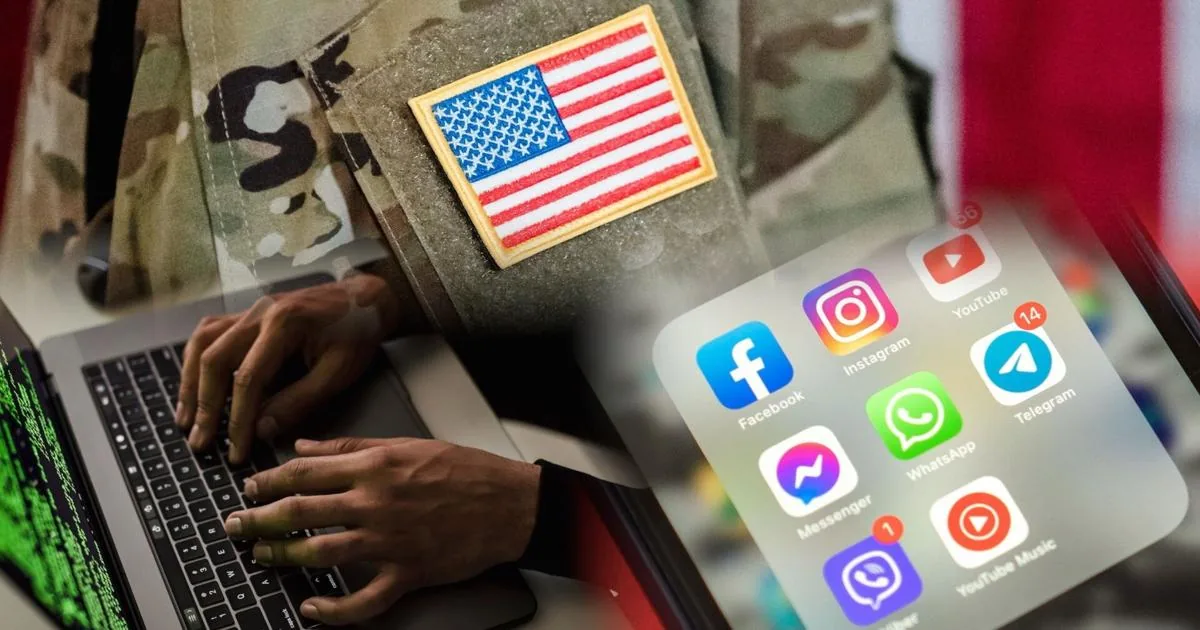
WASHINGTON, DC — Scammers are using artificial intelligence to turn public social media posts into highly personalized phishing emails. The messages can mention a concert, vacation, restaurant, or other event you actually shared online, which makes them feel familiar and legitimate.
Researchers at the University of Texas at Arlington found that even a small number of public posts can give criminals enough detail to draft convincing messages. In their testing, AI tools were able to produce emails that looked tailored to a person’s recent activity, including subject lines, sender names, and links that appeared trustworthy.
The danger is not just that the email looks polished. It can also arrive at exactly the right time, such as after a trip, a flight delay, or a concert, when a person is less likely to question it. A fake message from a hotel, venue, or travel company can push someone toward a fraudulent website designed to steal passwords, payment details, or other personal information.
The warning signs
- The email references a real trip, event, or purchase, but you did not expect any follow-up from that business.
- The message urges you to click quickly, log in, confirm details, or claim a reward right away.
- The sender name or reply address looks close to a real company, but something is slightly off.
- The link leads to a page asking for a password, card number, or other sensitive information.
- The offer feels oddly specific, such as a discount tied to a concert, hotel stay, or recent complaint.
- The email is polished and well written, which can make it easier to trust than older scam messages with obvious spelling errors.
If you've already paid or shared information
- Stop interacting with the message and do not click any more links in it.
- If you entered a password, change it immediately on the real website or app, not through the email.
- Contact your bank or credit card company right away if you shared payment information.
- Review your accounts for unfamiliar logins, transfers, or purchases and log out of sessions you do not recognize.
- Turn on multifactor authentication for important accounts if it is available.
- Consider freezing your credit if you shared enough personal information to raise identity-theft concerns.
- Report the scam to the FTC at ReportFraud.ftc.gov and use your email provider’s phishing reporting tools.
How to protect yourself
- Make your social media accounts more private so strangers cannot easily study your posts.
- Be careful about sharing travel plans, event check-ins, or location tags in real time.
- Verify unexpected emails by opening the company’s official app or typing the website address yourself.
- Use strong, unique passwords for every important account and store them in a password manager if helpful.
- Keep multifactor authentication turned on, preferably with an authenticator app or security key.
- Keep your phone, computer, browser, and security software updated so known weaknesses are patched quickly.
The bottom line
AI is making phishing scams more personal, more polished, and easier to scale. That means a message can look convincing even when it is completely fake and built from details you shared publicly.
You do not need to stop posting online, but it helps to think twice about what a stranger could learn from your photos and updates. A little caution with unexpected emails can make a big difference.