How the scam works
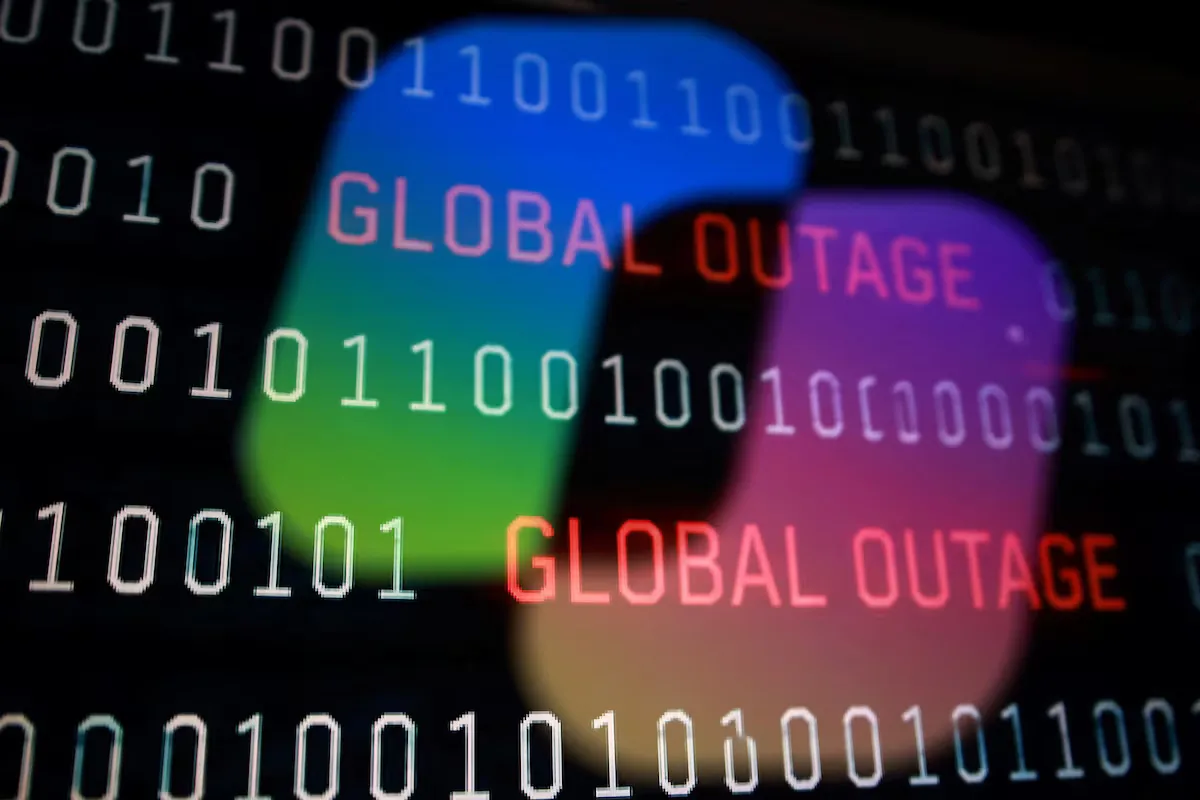
WASHINGTON, DC — When banks, airlines, email platforms or other major services go down, many customers rush to find answers. Scammers know that confusion creates urgency, and they use that moment to send fake messages that look like help from the real company.
Those messages may say your account needs verification, your flight was canceled, your refund is ready, or your login has been locked for security reasons. The goal is to push you toward a fake website or an unsafe link where criminals can capture passwords, card numbers, one-time codes, or other personal details.
Fraudsters also may offer “customer support” by text, email, social media message, or a phone number that is not the company’s real help line. In some cases, they try to convince people to install remote-access software or a suspicious app, which can give the scammer control over the device or access to financial accounts.
The warning signs
- The message arrives unexpectedly and claims to solve a service outage right away.
- You are asked to click a link, scan a code, or open a web page you were not expecting.
- The sender uses pressure, urgency, or threats about losing access or missing a refund.
- You are asked for passwords, PINs, one-time passcodes, card verification values, or full account details.
- The contact information does not match the number, website, or app published by the company.
- You are urged to install software or an app to “restore” service or speed up support.
If you've already paid or shared information
- Contact your bank, card issuer, or payment app right away using the official number on your statement or the company’s verified website.
- Change your passwords for any affected accounts, and use strong new passwords that are not reused elsewhere.
- If you gave away security codes or login details, review account activity and ask about extra protection steps such as account alerts.
- Freeze your credit if you think sensitive identity information was exposed, especially if personal details were shared.
- Remove any remote-access software or unfamiliar apps you were told to install.
- Report the scam to the FTC at ReportFraud.ftc.gov and keep copies of the messages, emails, or phone numbers involved.
How to protect yourself
- Go directly to the company’s official website or app instead of using links from texts, emails, or social media posts.
- Use verified customer service numbers published by the bank, airline, or technology company.
- Be skeptical of refund offers, cancellation alerts, or account warnings that appear during an outage.
- Never share passwords, PINs, one-time passcodes, CVVs, or banking credentials with anyone who contacts you first.
- Avoid installing apps or tools offered by strangers who say they can fix the problem faster.
- Check for official service updates before taking action, especially if the message creates pressure to respond immediately.
The bottom line
Outages themselves can be real, but the messages that follow them are not always genuine. Scammers often use the confusion around a disruption to look like helpful customer service.
The safest move is to slow down, verify any alert through the company’s official channels, and avoid giving out information in response to an unexpected message. A few cautious steps can help keep your money and accounts protected.